Installation Bookingcore version 4.0.0
Administrator: Username: [email protected] / Pass: admin123
Step 1 – Prepare the Package
Unzip the package you downloaded from Codecanyon.
Inside it, you will find a folder named BookingCore. Open this folder and locate the file BookingCore.zip.
Step 2 – Upload to Server
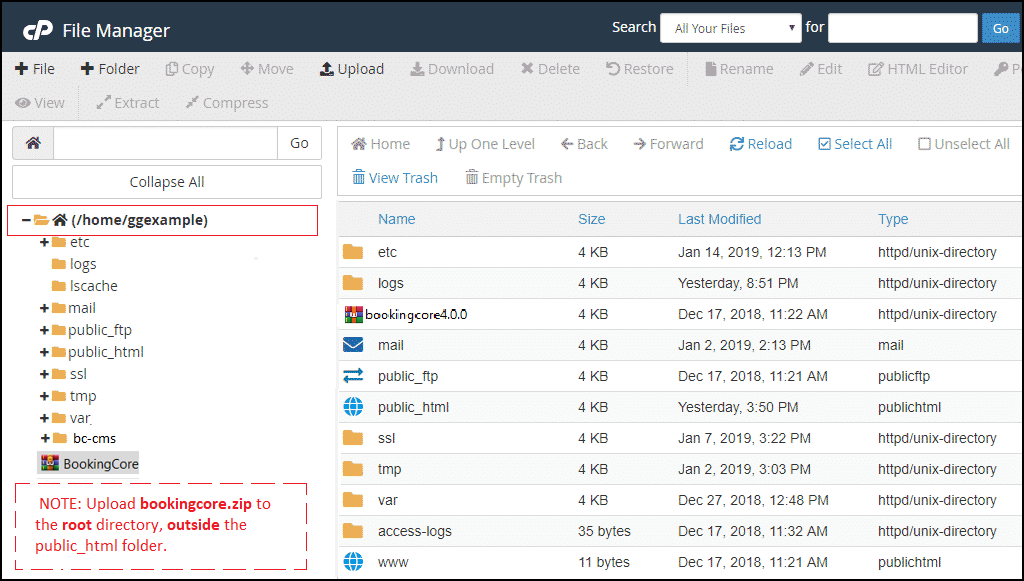
Upload the BookingCore.zip file and Extract file to your hosting.
⚠️ Important: Upload it to the root directory, outside the public_html folder.
Once uploaded, extract the file. It will include:
- A folder named
bc-cms - A
public_htmlfolder containing the website code
✅ Note: Make sure the public_html folder on your hosting is empty before extraction. If you already have other websites installed, please back up your data first.
Step 3 – Start the Installation
Open your browser and go to: http://yourdomain.com/install
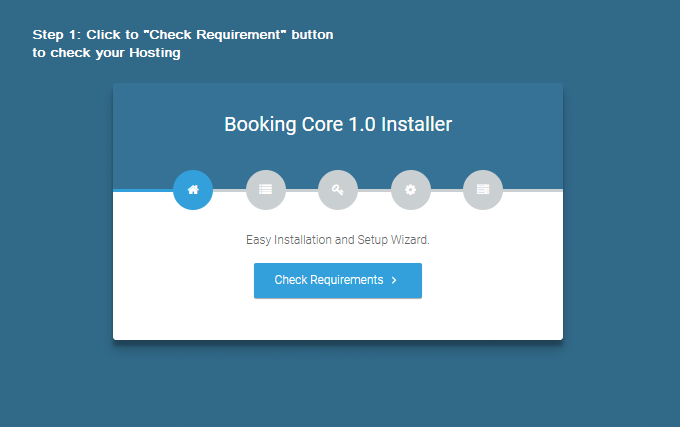
Follow the step-by-step installation wizard to install the Booking System.
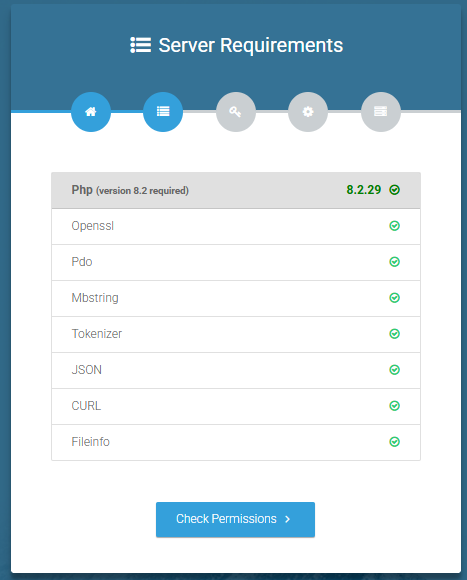
Server Requirements:
Ensure your hosting environment meets all necessary requirements. If you experience any issues, contact your hosting provider or our support team.
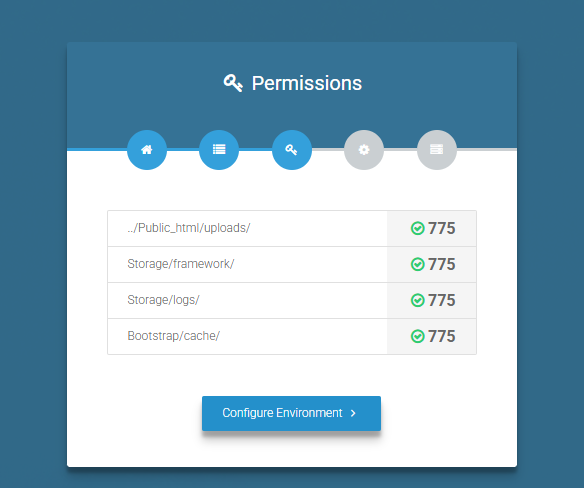
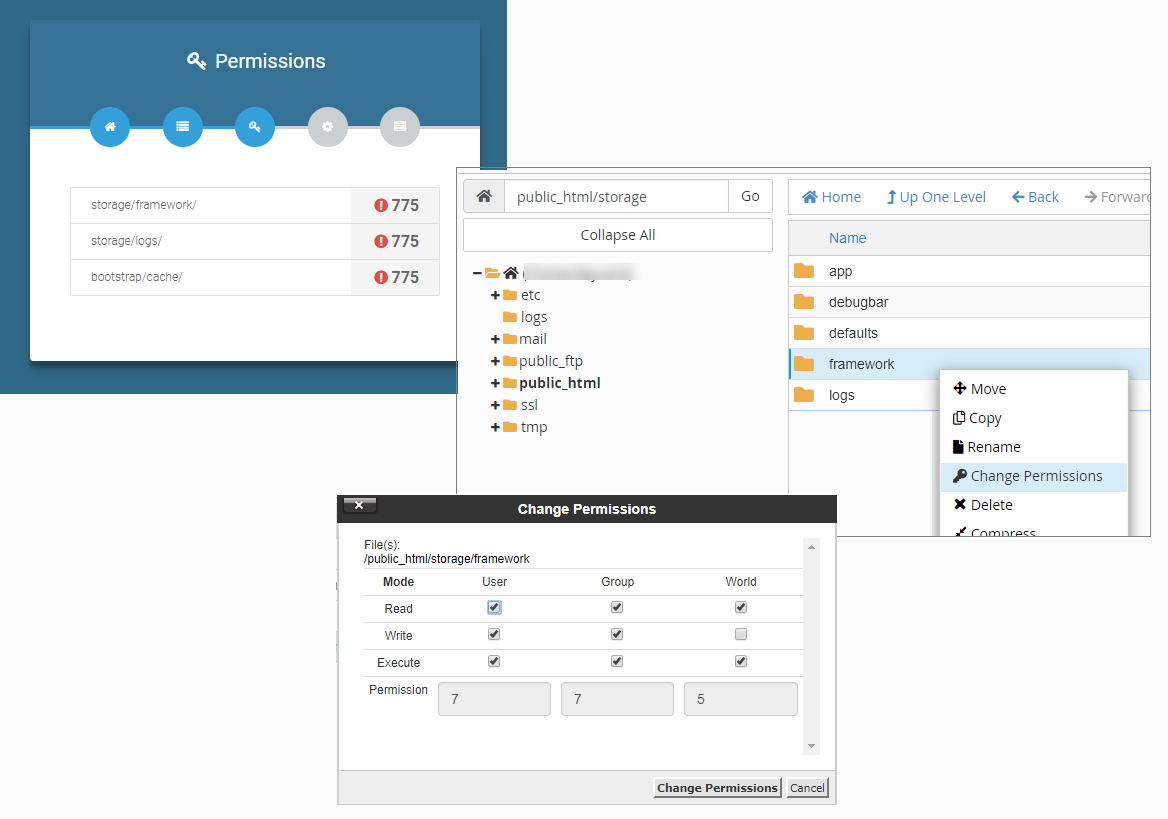
Folder Permissions:
Set the required folders’ permissions to 775.
Step 4 – Enter Hosting and Admin Info
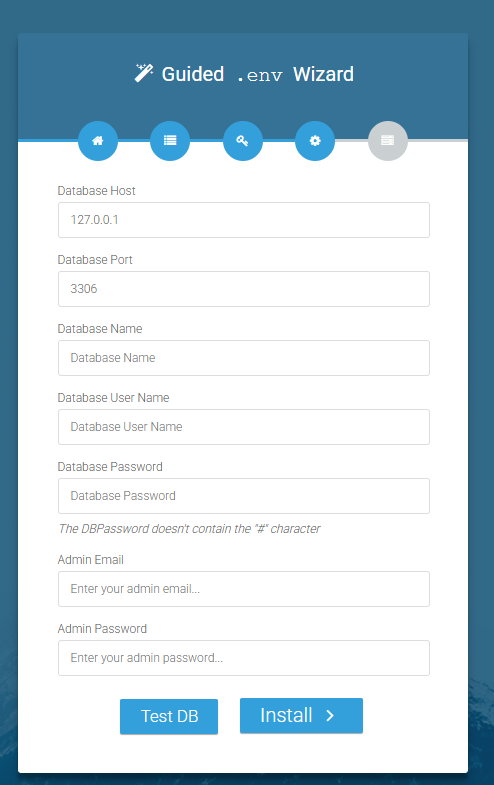
Fill in your database and admin account information: DB host, DB Post, DB Name...
Notes:
- DB Password: At least 8 characters, must not contain #
- Admin Email: Must be a valid email format
- Admin Password: At least 8 characters, case-sensitive
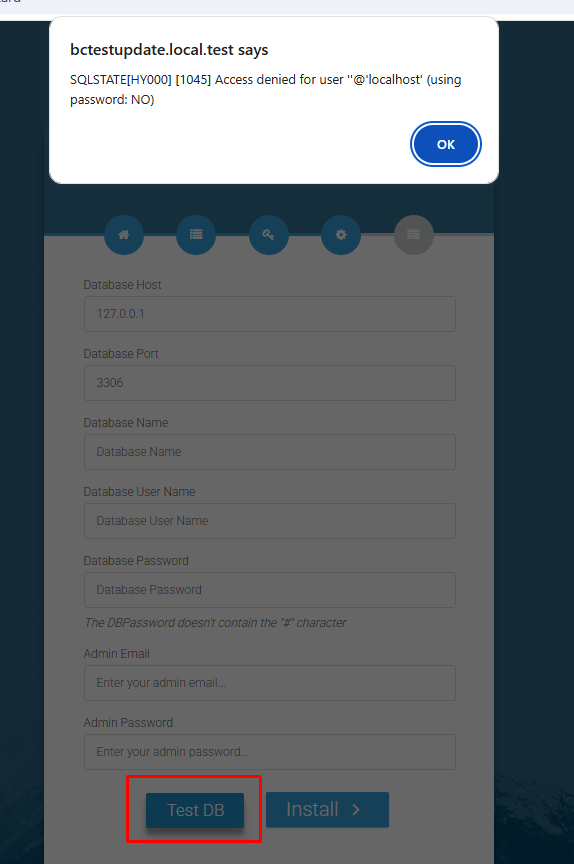
Then click the "Test DB" button this step is quite important, sometimes you still got Access denied issues
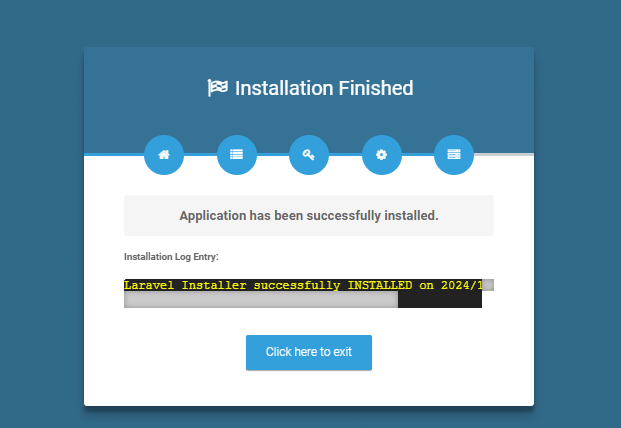
After that, click the "Setup Application" button to proceed.
Step 5 – Log In to Admin Panel
Finally, log into your site’s admin dashboard by visiting: YOURDOMAIN.com/admin
Remember to replace YOURDOMAIN with your actual domain name.
You need to remember your admin email+ password to login your backend
Or the Default Administrator Credentials:
- Username: [email protected]
- Password: admin123
⚠️ Important: After logging in for the first time, please update your admin email and password for security purposes.
Was this article helpful?