2- 500 Error after installing
1. The reason for 500|Server error
* TURN ON the Debug to know the reason for the issues
Go to public_html/.evn file, open to turn TRUE the debug
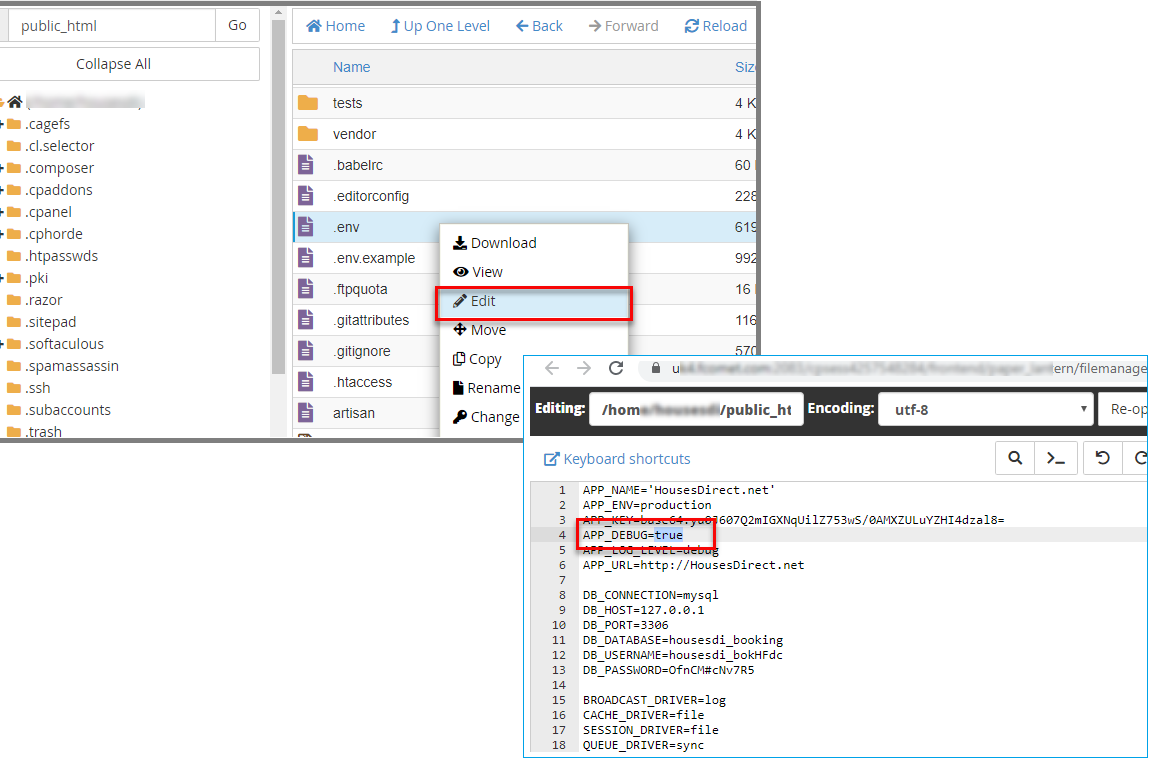
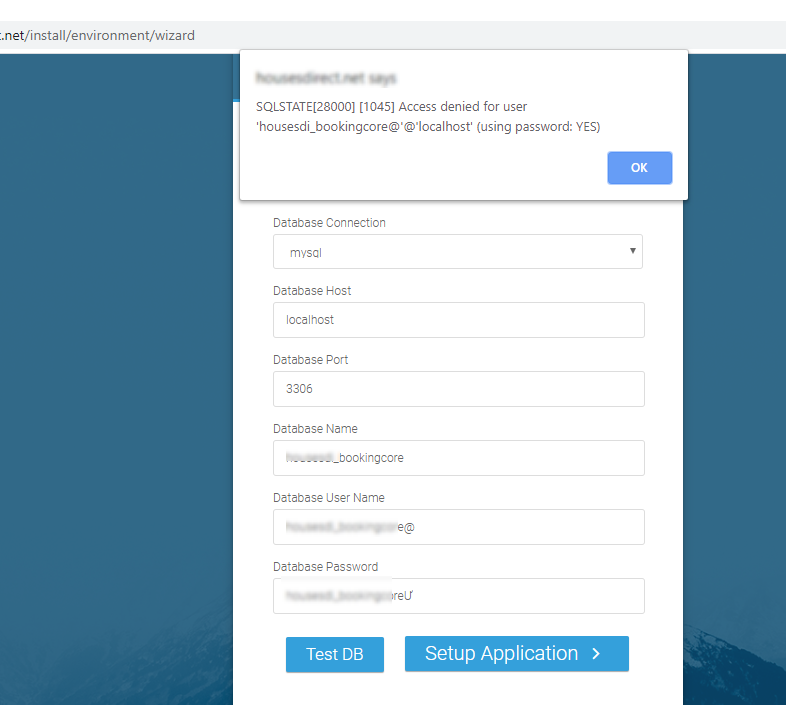
1 - Access Denied for User: After installing the Deny Warning is shown because of the connection
2 - After installing, the 500|Server Error is shown, try to TURN ON the debug to see the reason for the issues
SQLSTATE[28000][1045] Access Denied for User
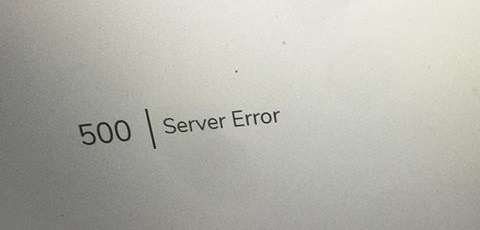
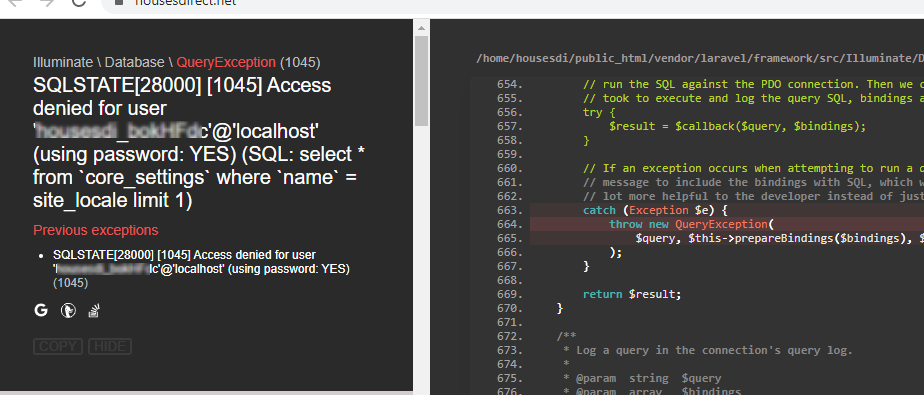
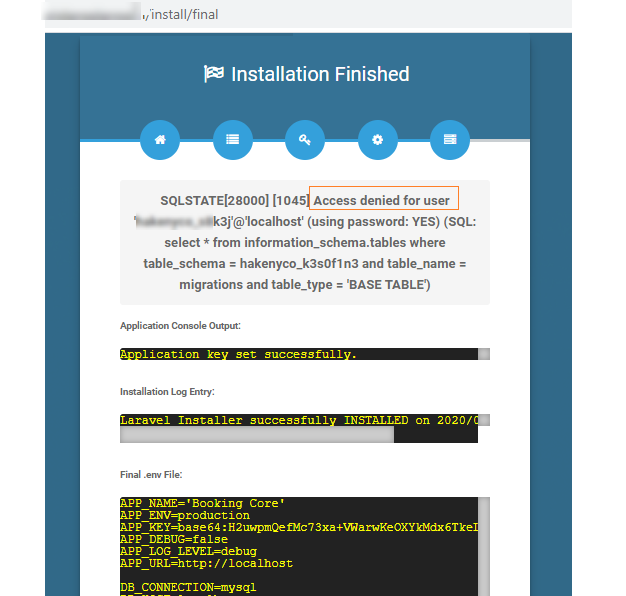
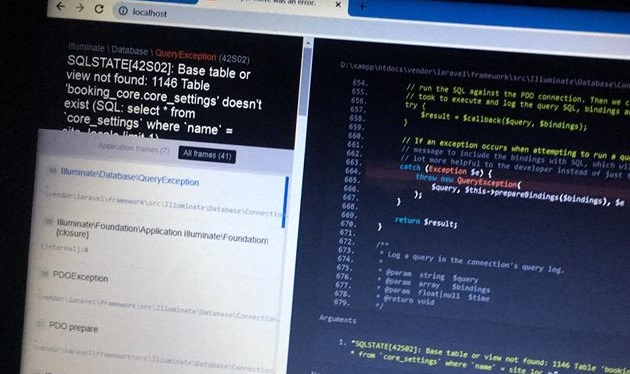
Another ERROR is SQL STATE[42S02] Base table or views not found: 1146 Table 'booking_core.core_setting' doesn't exist...
=> The installation is failed, it hasn't built any table and has not imported any data yet
2. Fix 500 ERROR
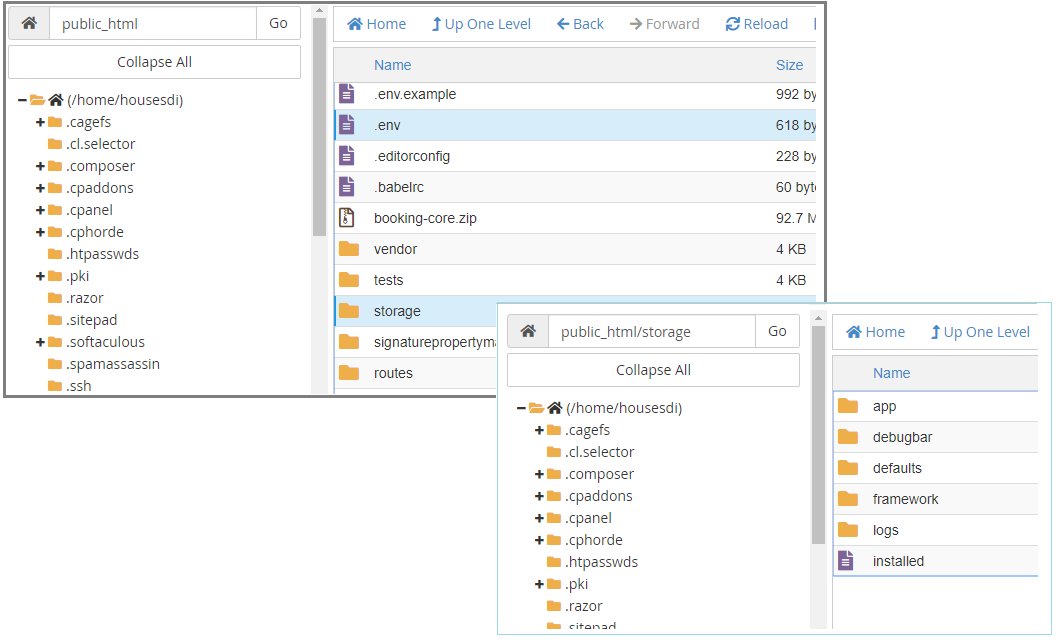
1 - Delete the .env file + storage/installed.php file
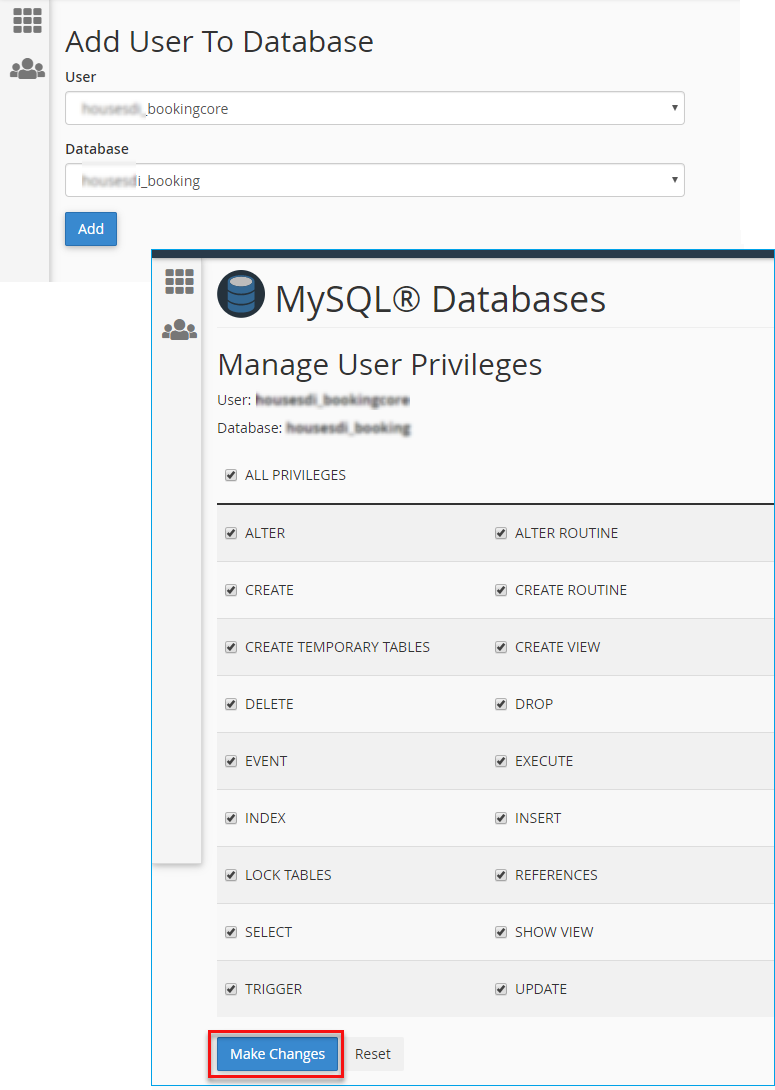
2 - Create a new DB and new User
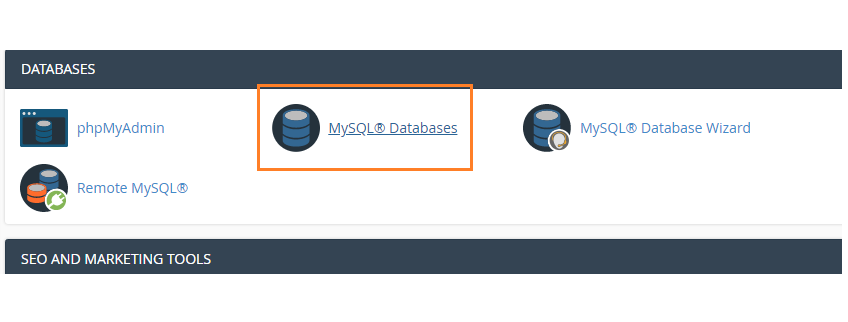
Navigate to MySQL Databases to create a new DB
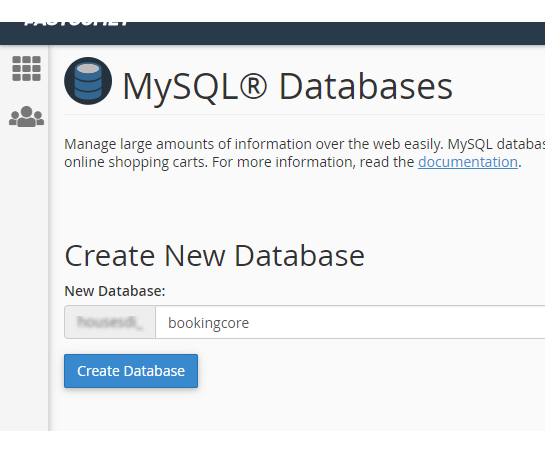
Create new DB
Create New User
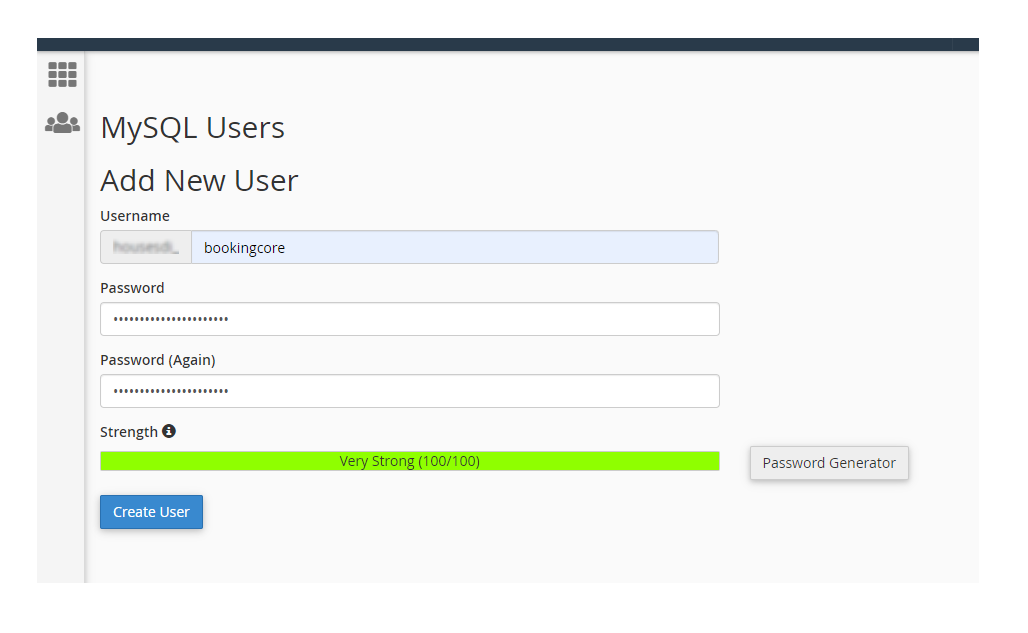
Assign Database to User
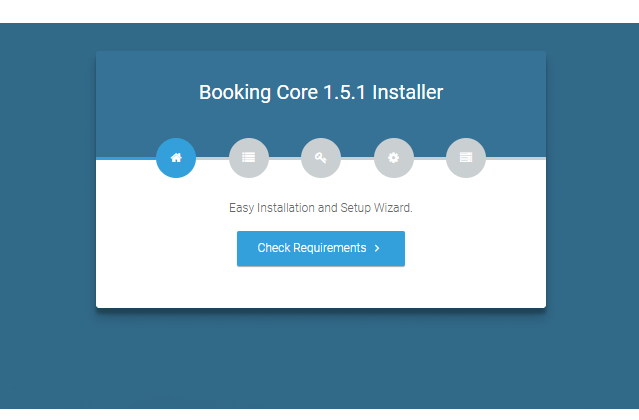
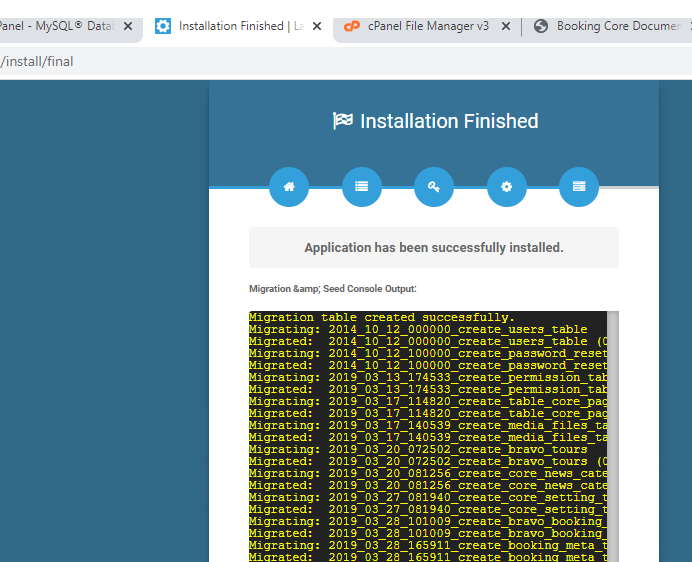
2 - Start to Install the New site
Open your site with /install the link and start to install
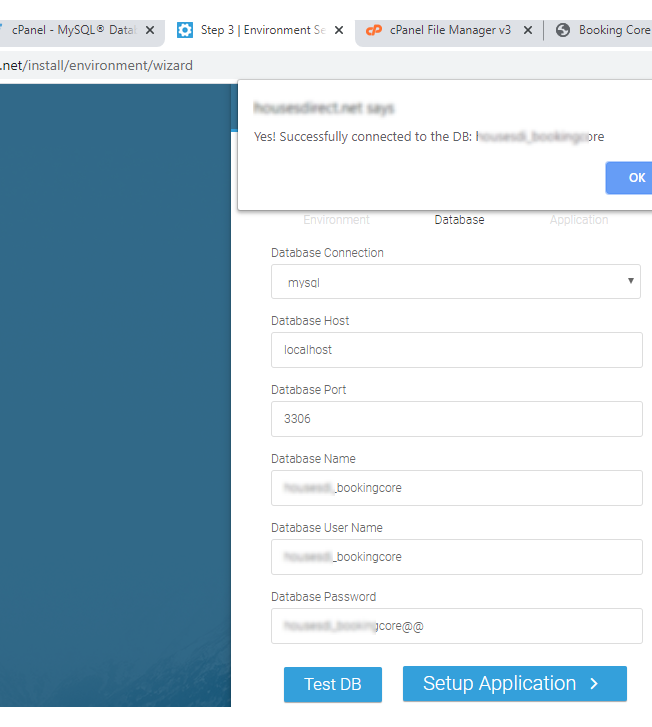
If press to TEST button then see the WARNING DENIED => you need to re-check your DB and the current user
This is Valid Notify
Was this article helpful?