Custom Scripts
1114 views
•
Updated 7 hours ago
This section is quite useful if you're a developer. However, even if you're not, you can still follow the instructions below to make your website more functional.
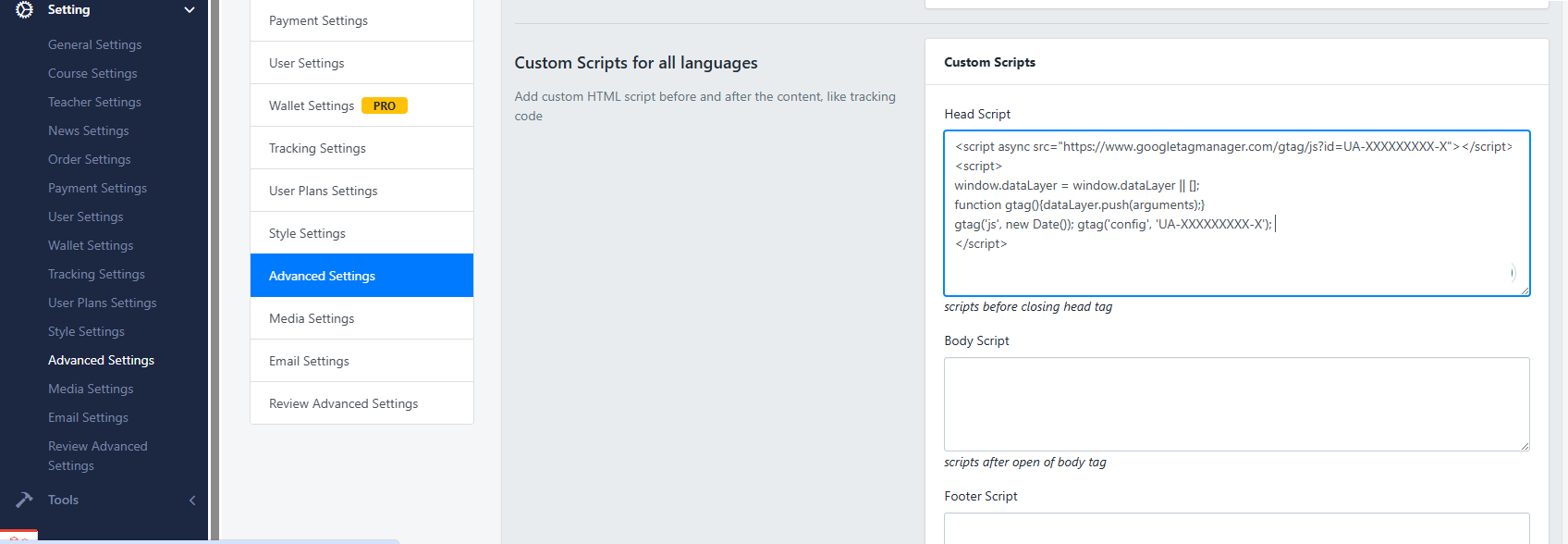
We provide 3 types of fields corresponding to 3 positions where you can add scripts:
- 1. Head Script: Scripts added before the closing
</head>tag - 2. Body Script: Scripts added before the closing
</body>tag - 3. Footer Script: Scripts added before the closing
</footer>tag
How to use: Add your custom HTML scripts before or after the main content — such as tracking codes or third-party integrations.
For example, if you want to add a Google Analytics tracking code, you will receive a JavaScript snippet (GA code) after registering an account with Google Analytics.
To integrate it into your website, simply paste the code into the Header Script section.
Was this article helpful?