Add a normal information page
8713 views
•
Updated 26 seconds ago
Step 1: Creating a Page
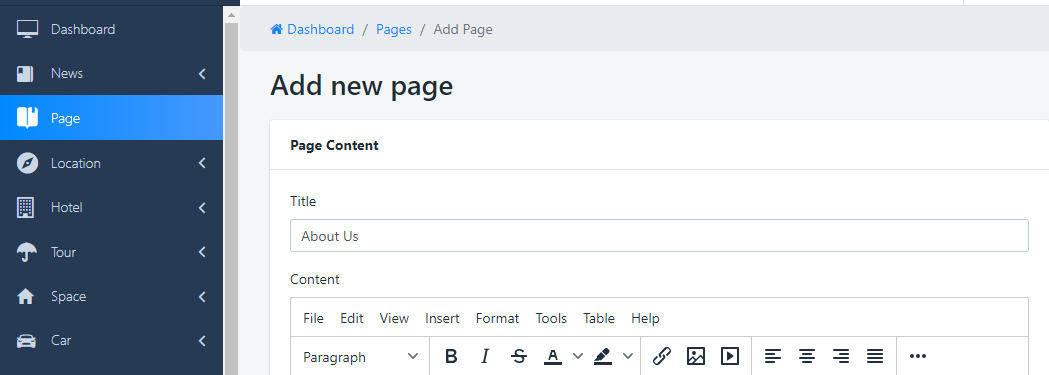
First, go to the Pages > Add new, after filling the title input field, I suppose it will be About us, and save the page.
If this is just a regular information page, just enter regular text and click "Save change"
Step 2: Customizing template for About us page
If your page has some special information, you can create a template for it
Go to Templates and Create new Template like this:
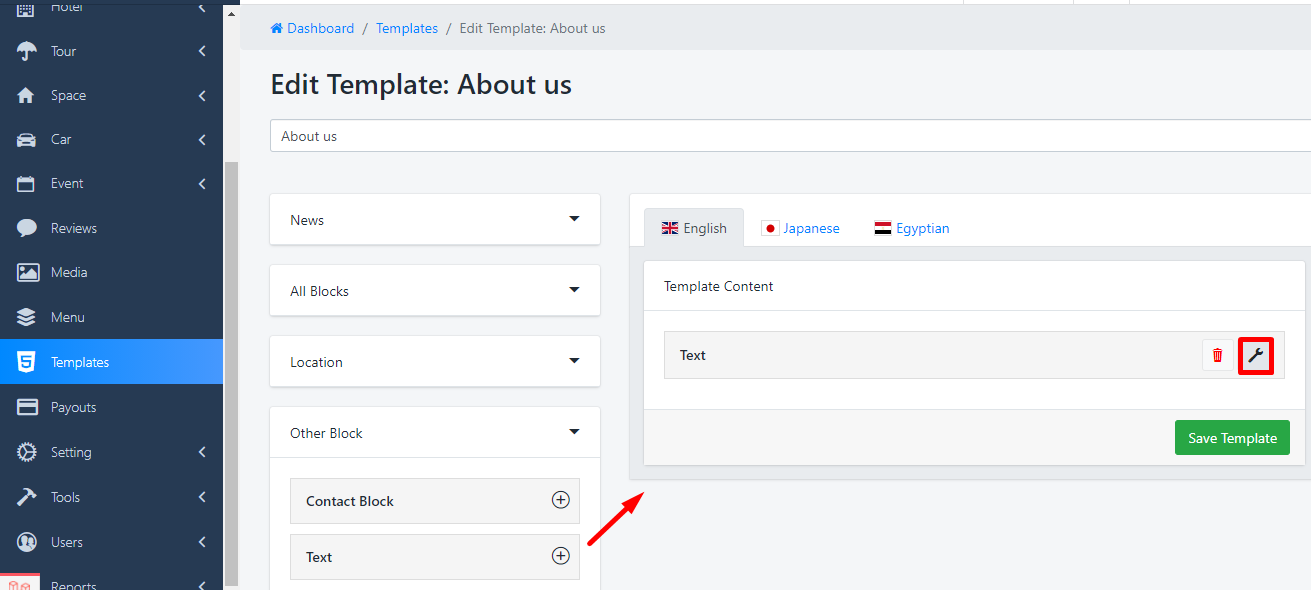
Use the Text Block to add the description and others block information
Step 3: Assign template for Page
Go to Page list and open the "About us" page that you have created, Template Settings in the right side

Was this article helpful?