Create News section
8383 views
•
Updated 3 hours ago
Around News Management
Dashboard > Templates > Build Template > Car: List Items
There is a style for News List item:
Row section with 3 items per row
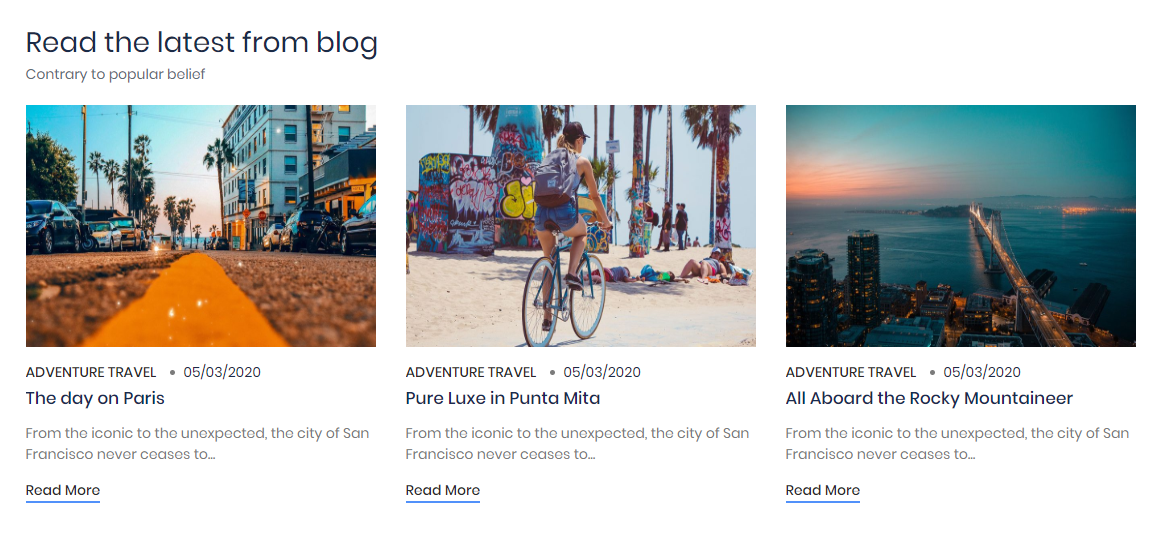
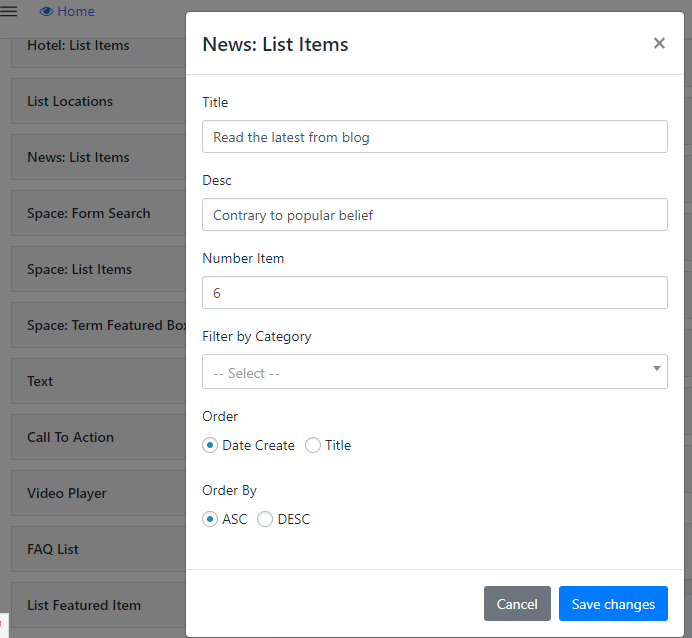
To create this section, Go to Dashboard > Templates > Build Template > News: List Items then input some needy information
- Step 1: Enter some Information like Title(the title of Section) and number item you want to show on Section
- Step 2: Filter by Category or Filter by Location, depends on your design. Leave blank if you don't want to filter them
- Step 3: Select Order list (Optional)
Was this article helpful?